Welcome to Gaia! ::

Stage of History { A Soul Calibur Guild }

Back to Guilds


Reply Soul Chapters
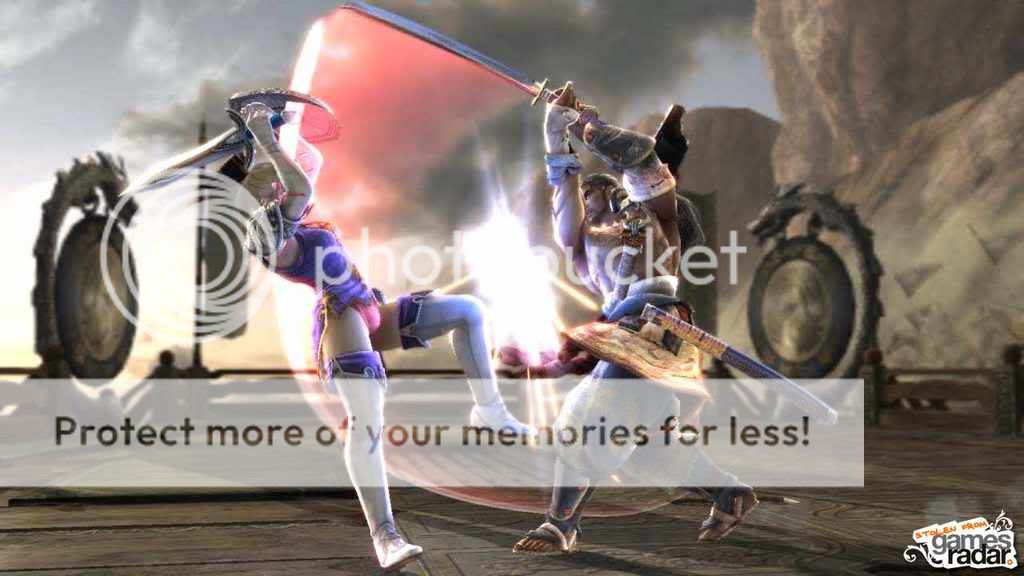
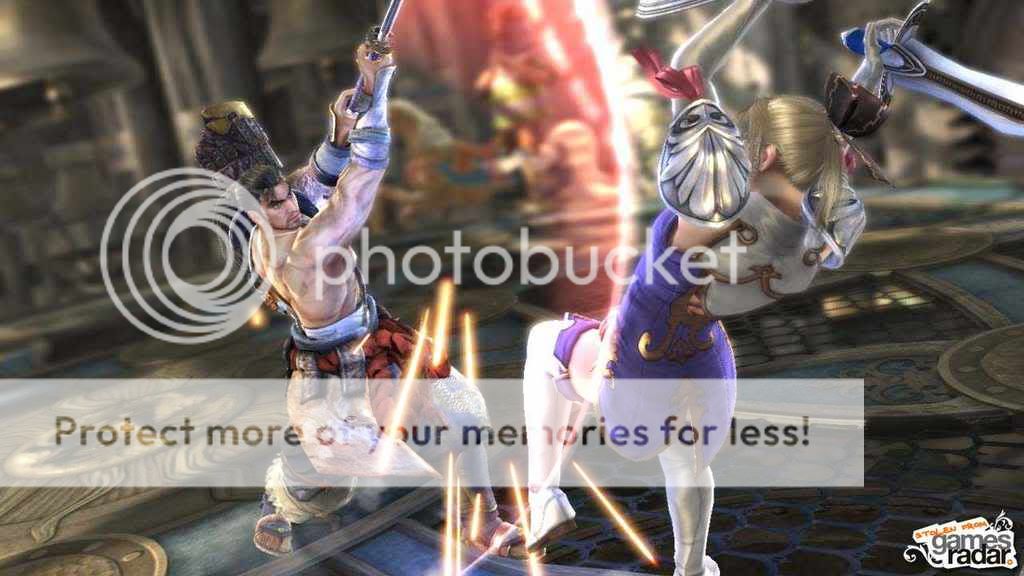
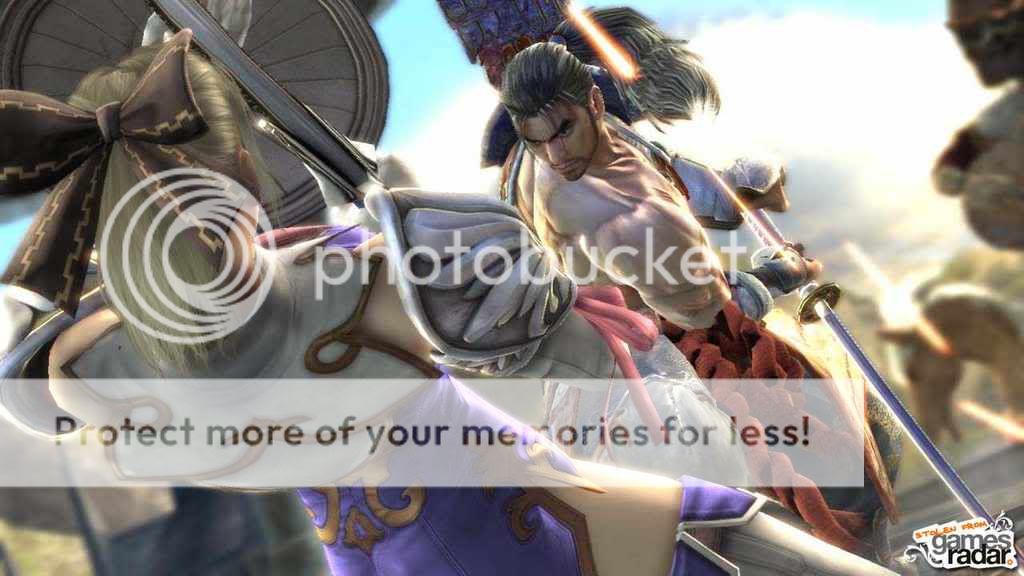
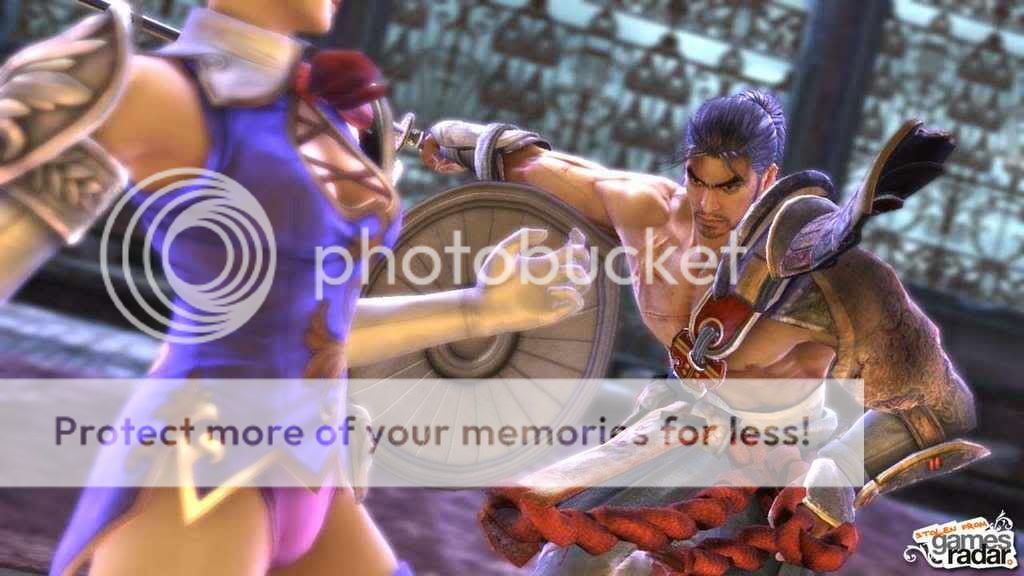
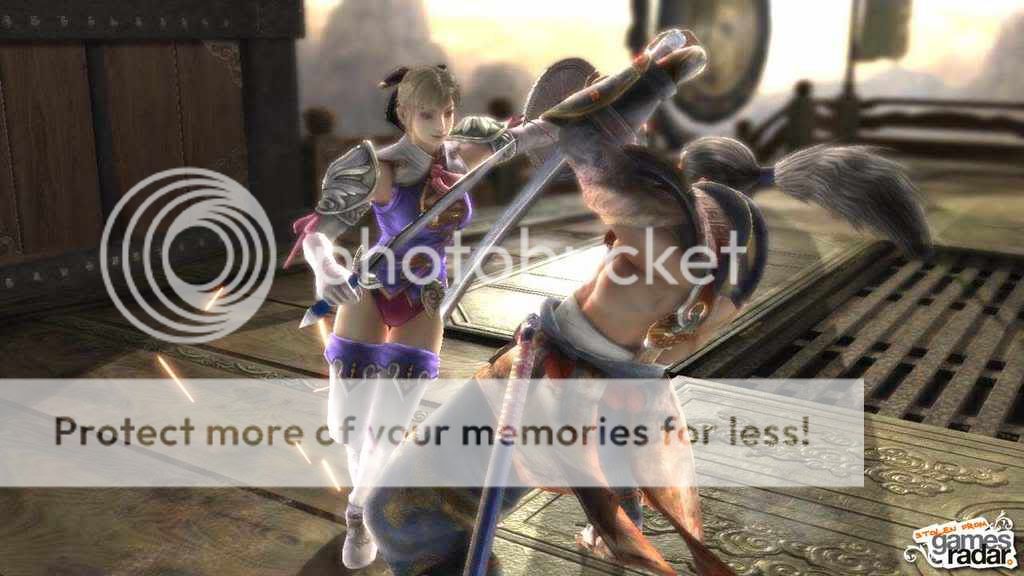
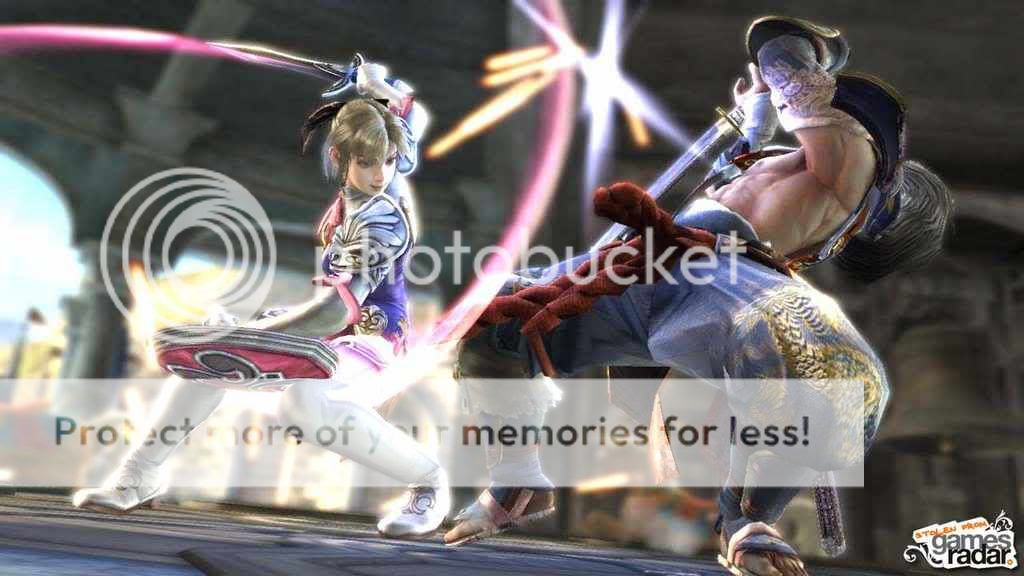
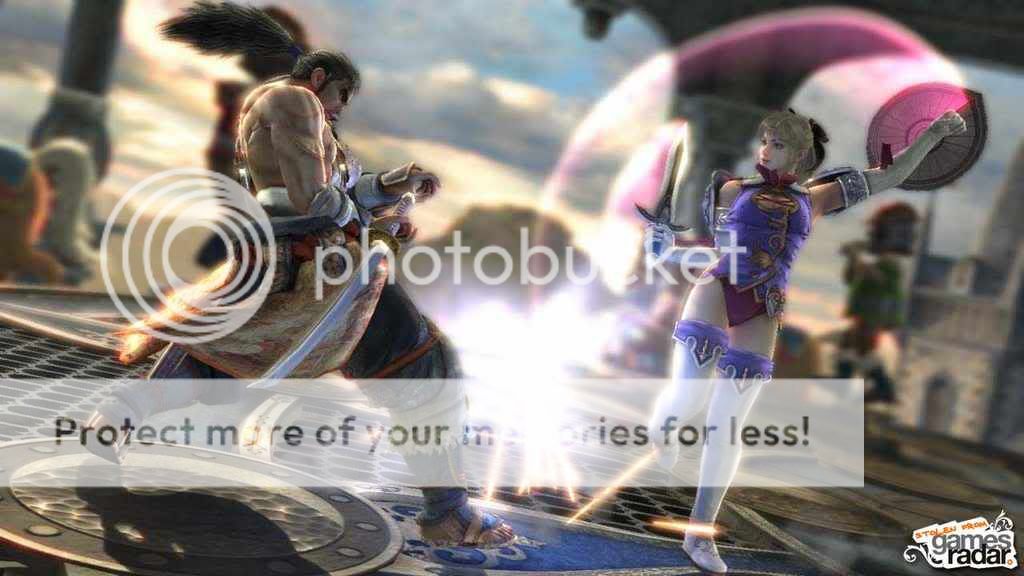
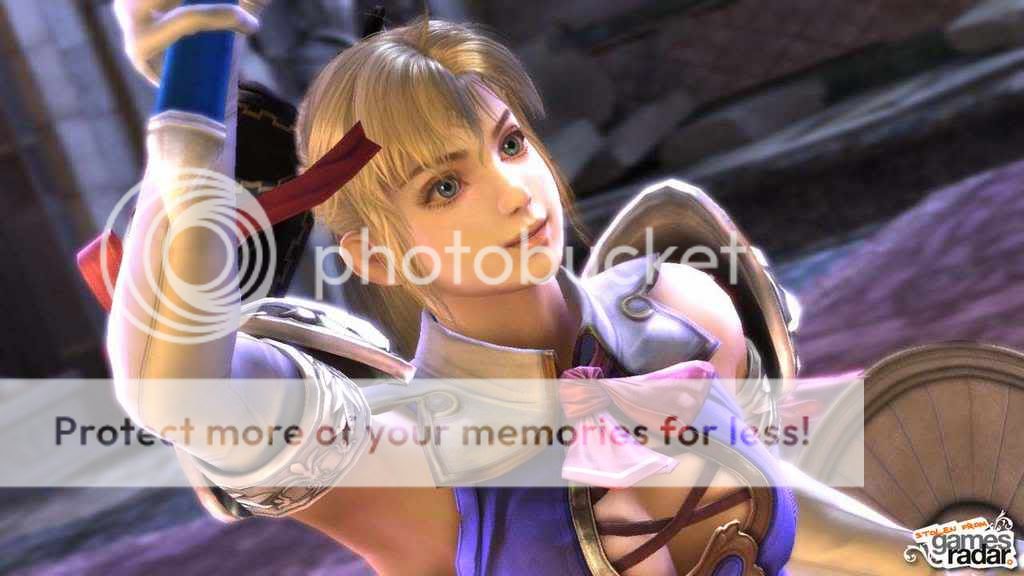
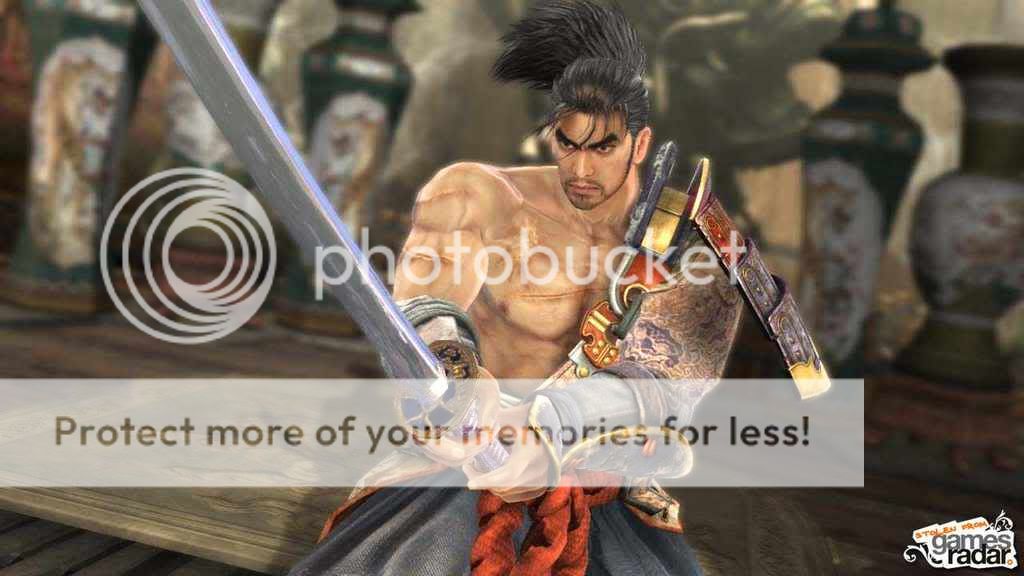
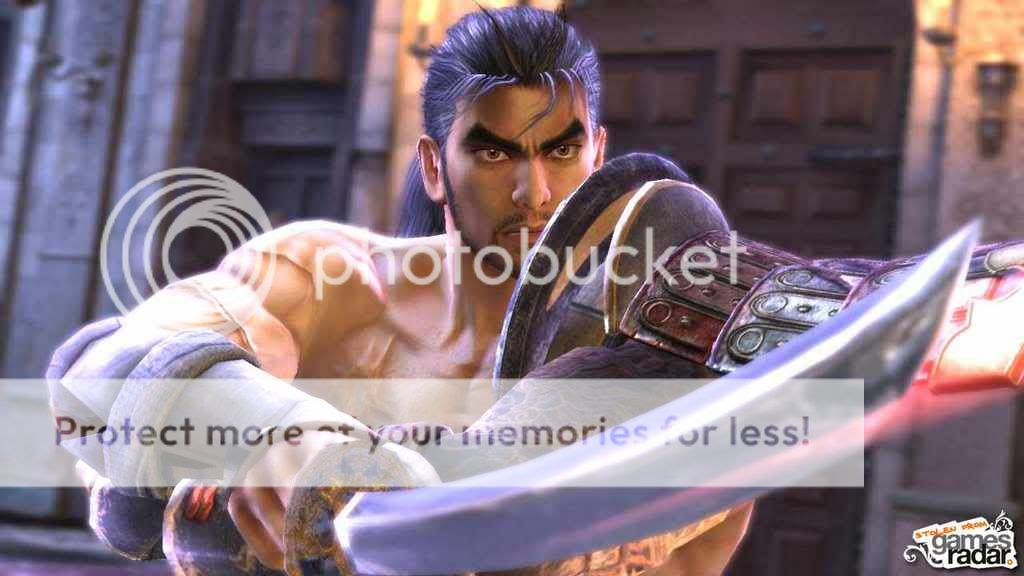
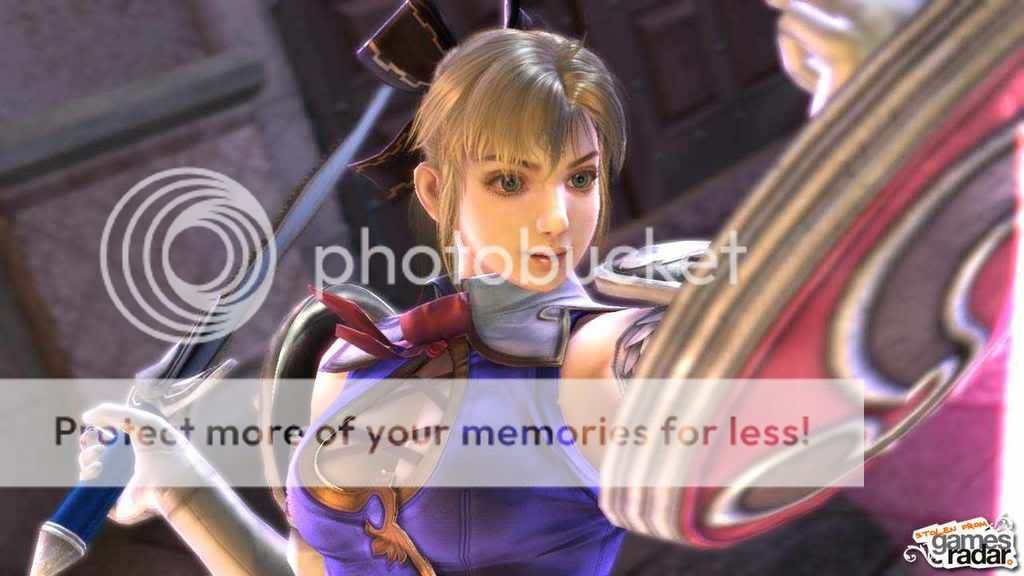
SCIV Update Super Center! [Maxi, Seong Mi-na, and Yun-seong]

Quick Reply

Enter both words below, separated by a space:

Can't read the text? Click here

Submit

Blasio has a cat named...
...Ms. Boots.
0%
 0%  [ 0 ]
...Flufferella.
0%
 0%  [ 0 ]
...Sophie.
100%
 100%  [ 2 ]
...Djibouti Power.
0%
 0%  [ 0 ]
Total Votes : 2


Blasio
Captain

PostPosted: Sun Oct 21, 2007 12:13 am


Hokay, I've decided to make one, big thread for updates on SCIV.

So here's how it's gonna work: PM me or Seraphince new information or new pictures that you found, and I will personally add them to their appropriate section. Simple, no? That way, we won't have a hodge-podge of unorganized fecal matter.


If you have any pics or info that's not here, just let me know, okay?

Also, if anyone can find smaller pictures of the ginormous ones below, that'd be great. 3nodding  
PostPosted: Sun Oct 21, 2007 12:22 am


[ Information ]

~Wikipedia Article~
(Keep in mind that anyone can edit Wikipedia, so don't automatically believe everything you read.)

Soulcalibur IV is the fifth installment in Namco's Soul series of fighting games, due for release on PlayStation 3 and Xbox 360 in summer 2008 (June 24). For the first time in the series history, the game will have competitive online play. This will be the second game in the series to not have an arcade release before the console release.

Characters
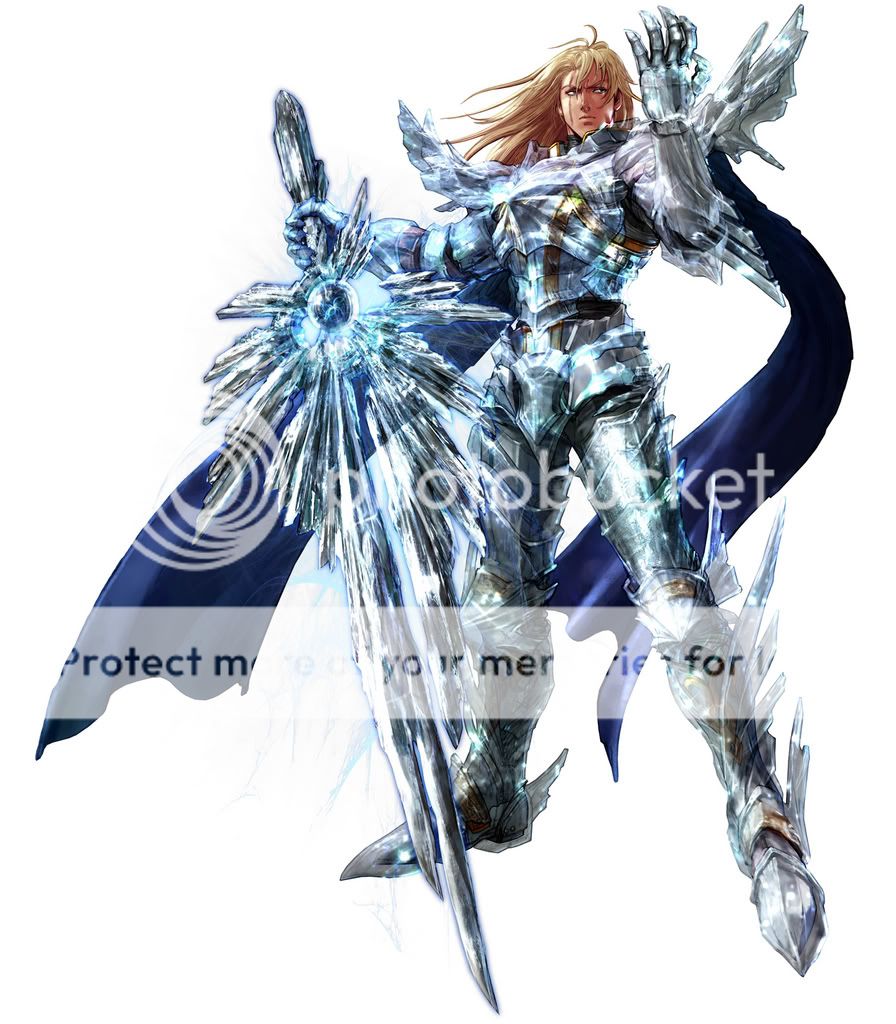
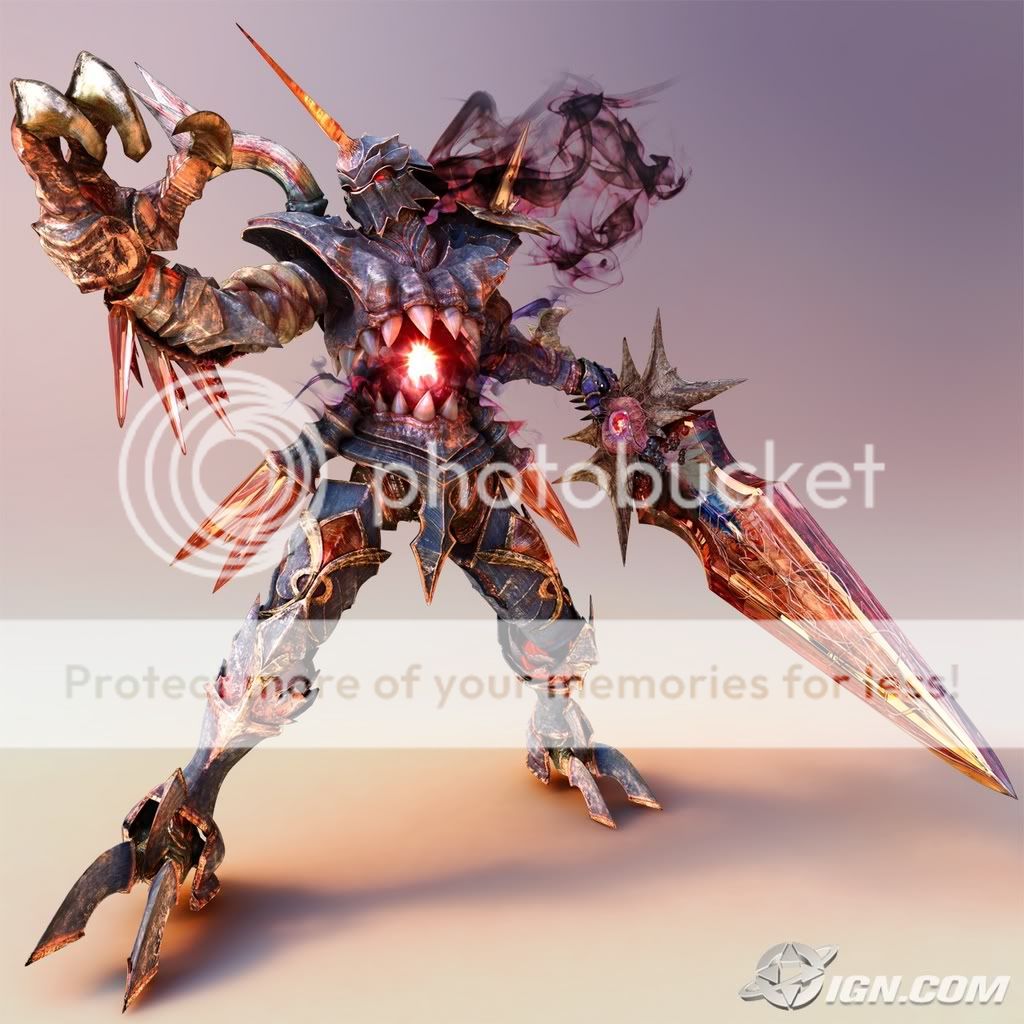
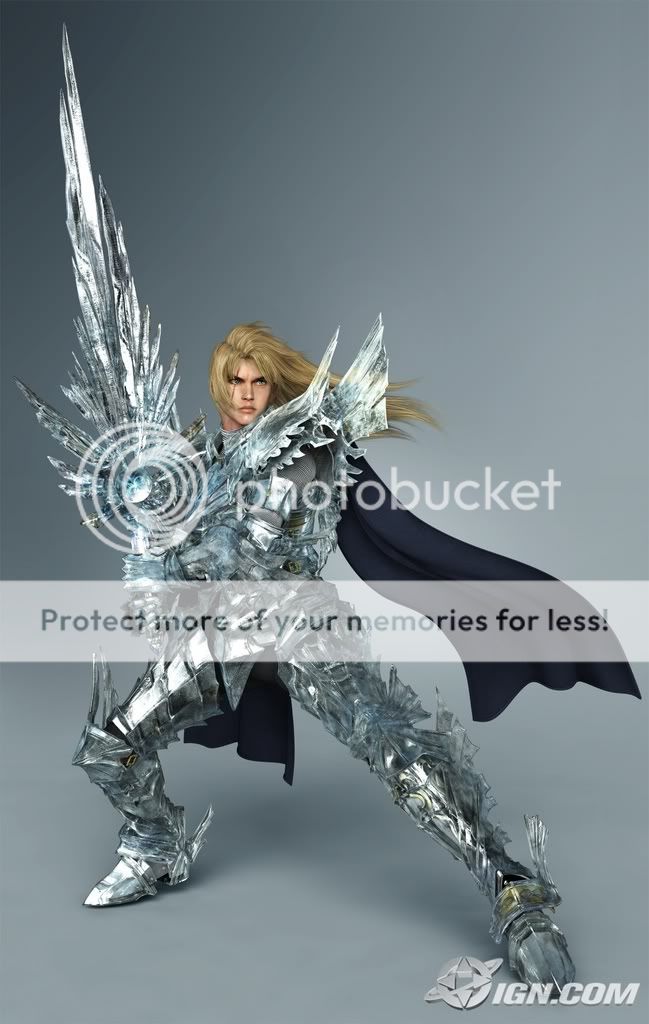
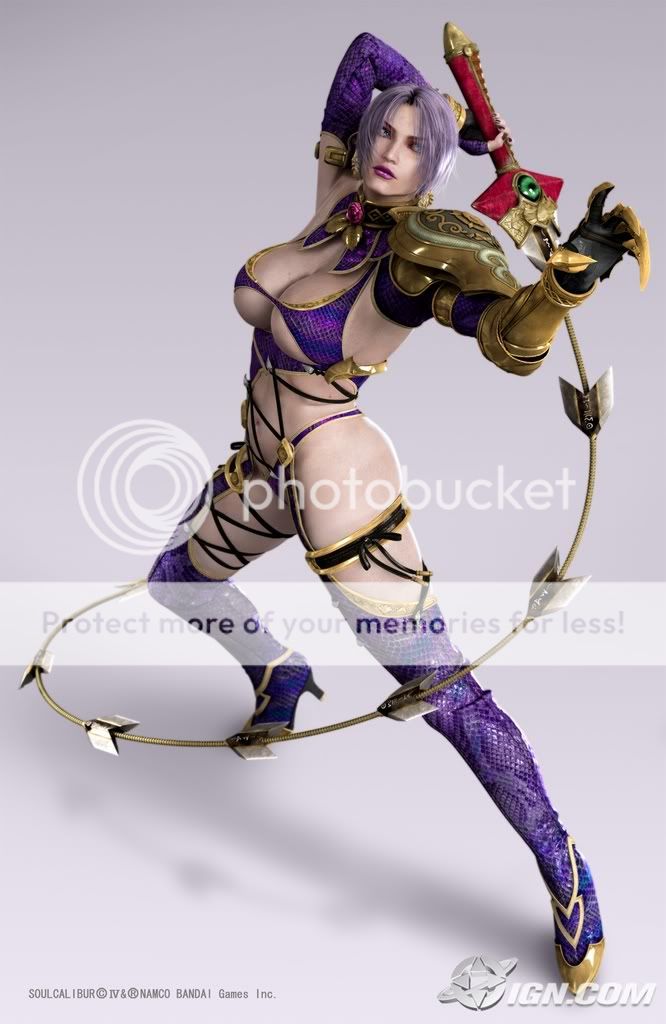
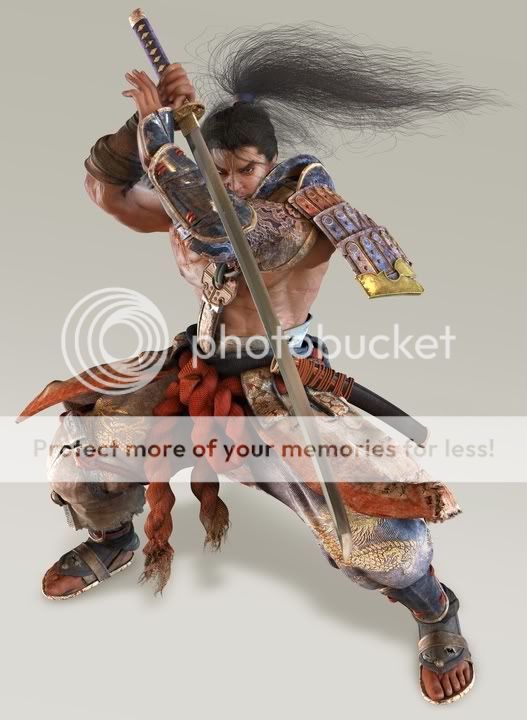
Three characters were shown in the initial teaser trailer, Ivy, Mitsurugi, and Nightmare. Director Katsutoshi Sasaki has also mentioned that Create-a-Character will be playable in multiplayer mode. Electronic Gaming Monthly confirmed the return of Siegfried, Taki and Tira in its July issue. Sophitia, her sister Cassandra and the series staple Voldo were featured next in Famitsu magazine. A recently released trailer featured the first clips of gameplay footage, along with brief glimpses of a new character named Hildegard von Krone, Hilde for short, a female in knight's armor (with a wolf's head motif) wielding a red lance and a short sword. At that time the appearances of Raphael and Astaroth were also confirmed. On January 25th, it was confirmed that Maxi , Seong Mi-na and Yun-seong would also return. Furthermore, on February 28th, Kilik, Xianghua and Lizardman were confirmed to appear. On March 12th, the first of several new characters designed by famous creators was revealed: Scheherazade (designed by Yutaka Izubuchi). March 26th brought us another batch of confirmed characters, specifically Amy, Cervantes and Zasalamel. A new female character, Angol Fear (designed by guest artist Mine Yoshizaki) was also featured.

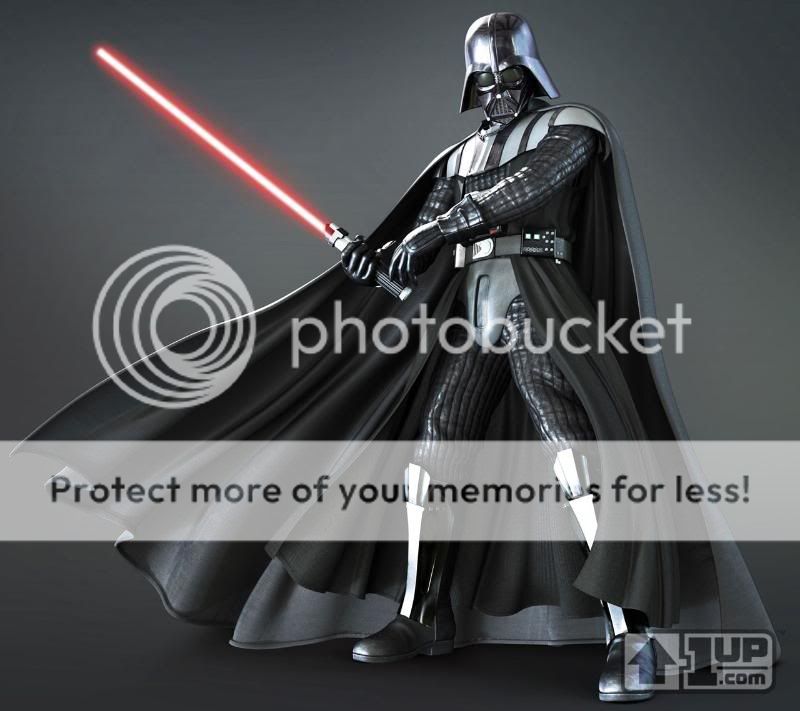
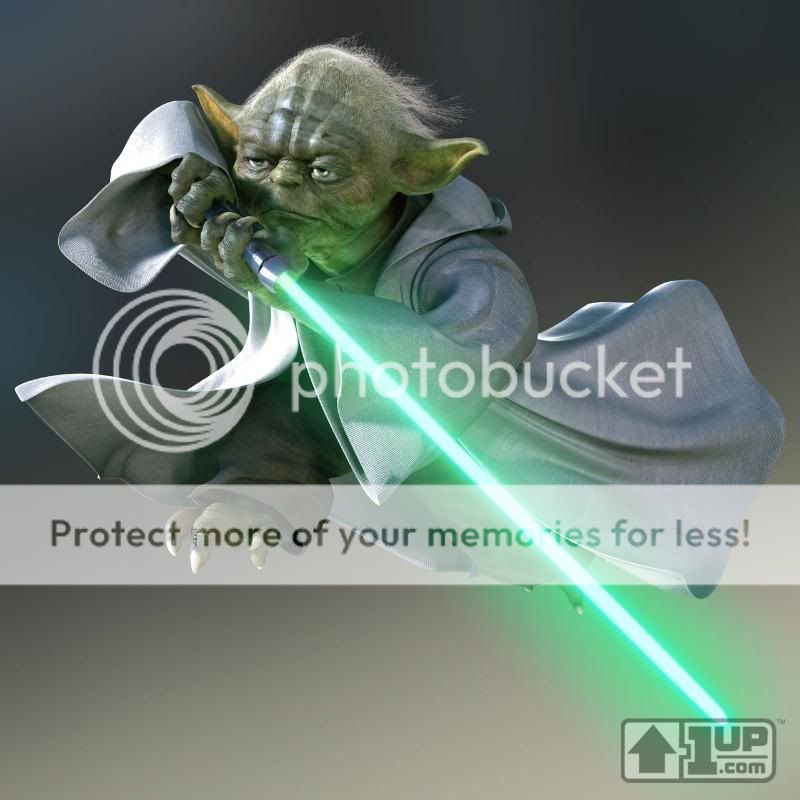
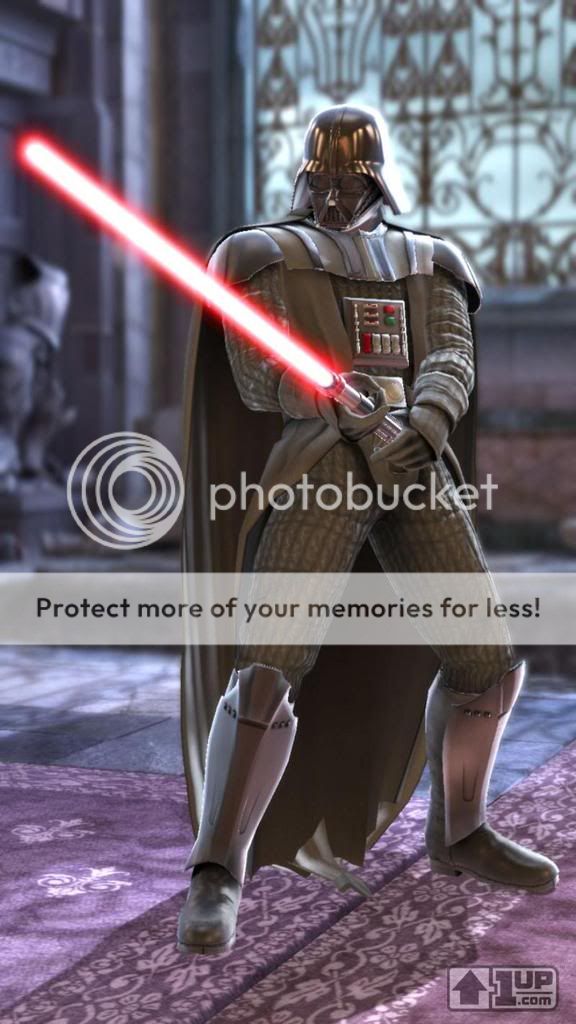
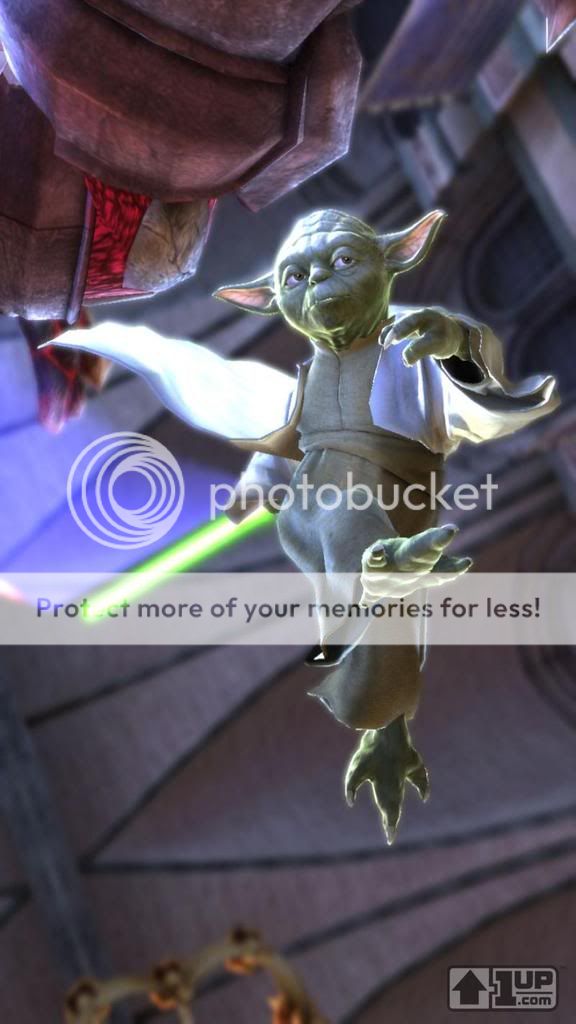
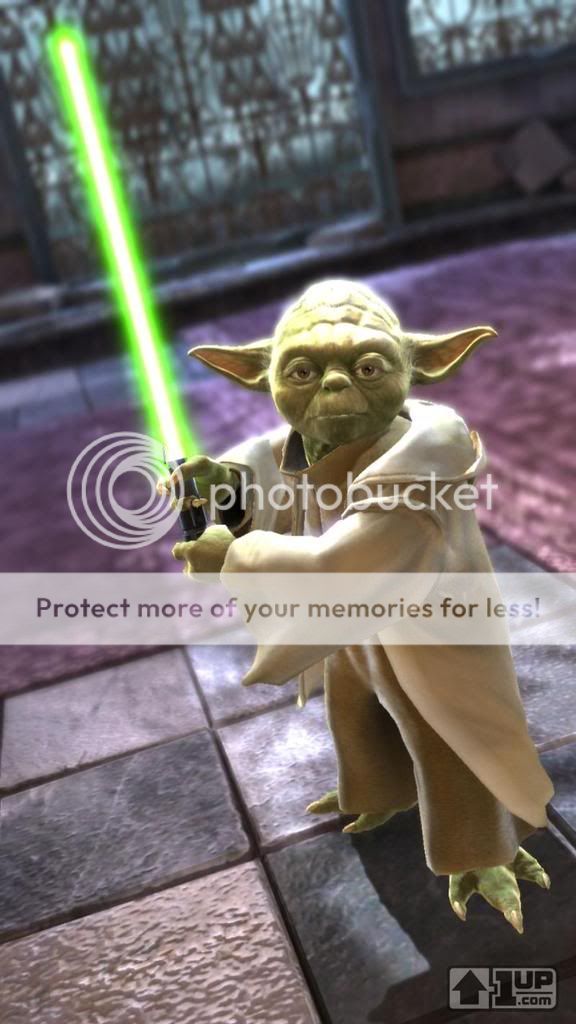
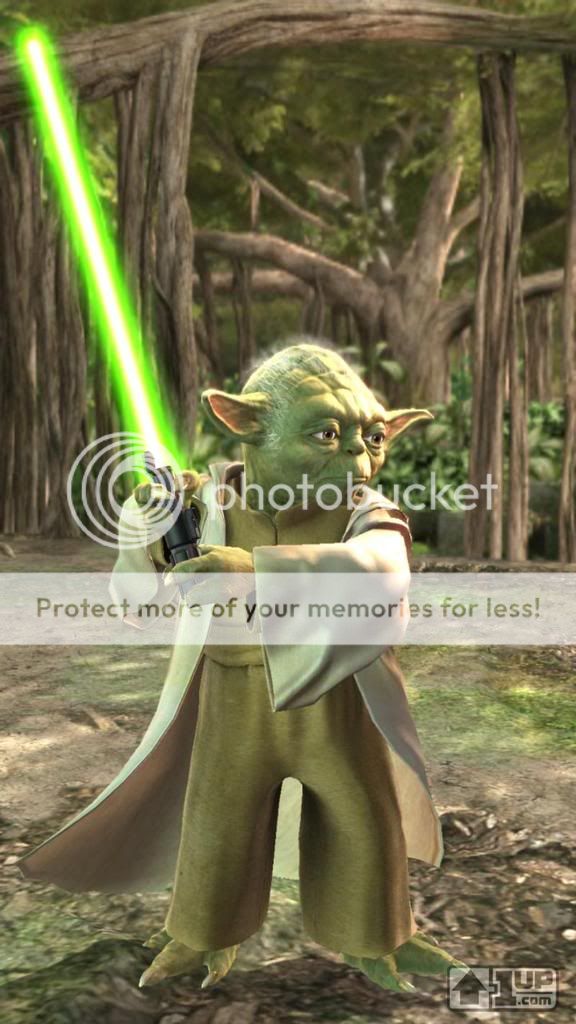
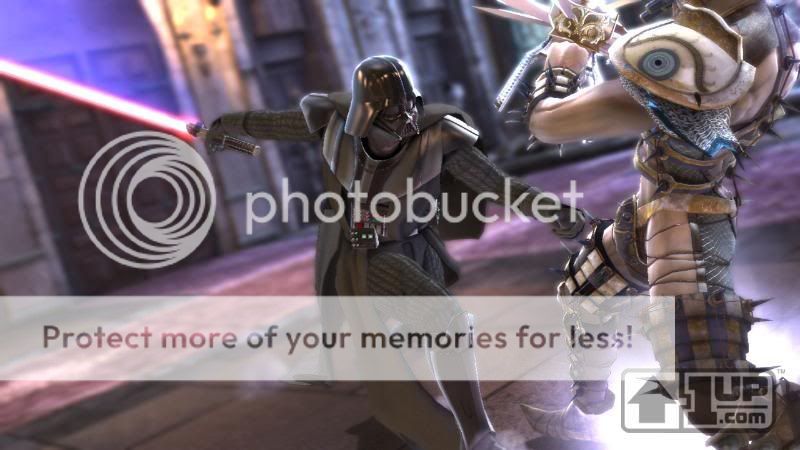
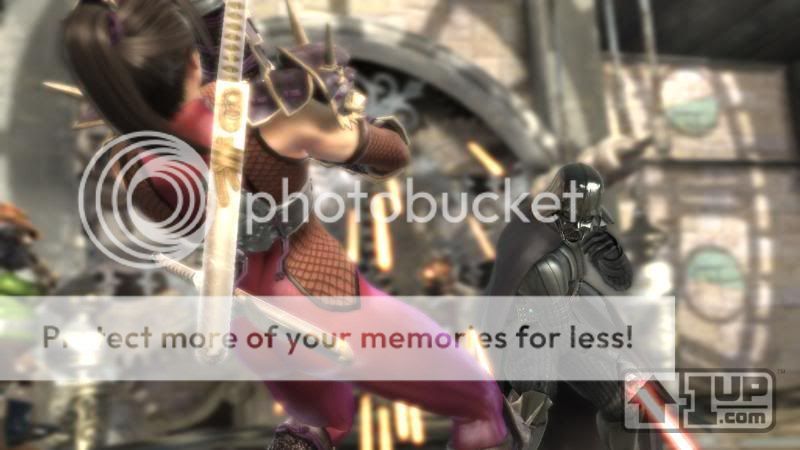
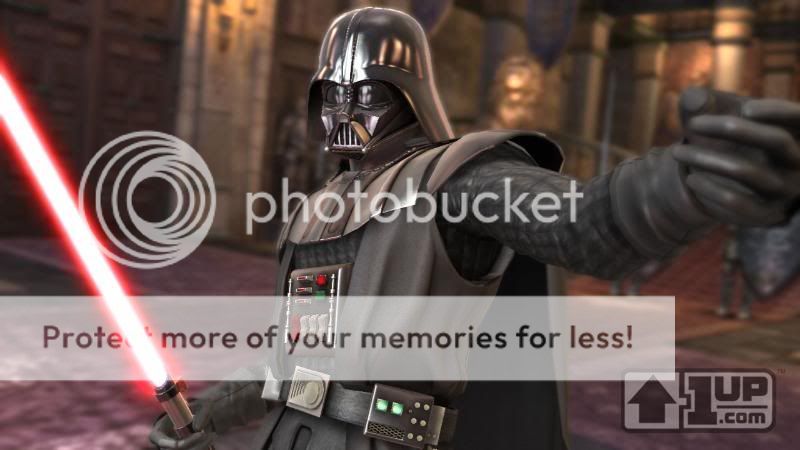
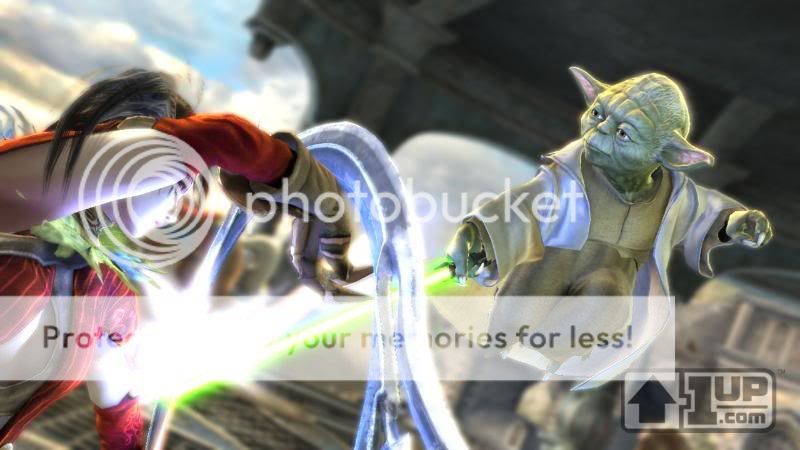
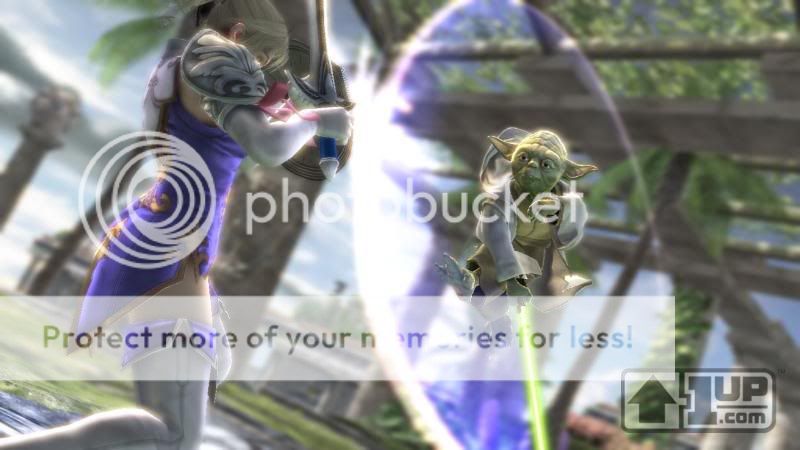
Also, Darth Vader and Yoda, characters from the Star Wars universe, are confirmed to be playable guest characters but exclusive to different platforms. Vader will be on the PS3 and Yoda will be on the Xbox 360, however it was stated in issue 179 of GameInformer magazine that "Namco was nice enough to concede that the second characters may be available for download on the respective consoles at a later date."


Returning characters
Amy
Astaroth
Cassandra
Cervantes
Ivy
Kilik
Lizardman
Maxi
Mitsurugi
Nightmare
Raphael
Seong Mi-na
Siegfried
Sophitia
Taki
Tira
Voldo
Xianghua
Yun-seong
Zasalamel

New characters
Angol Fear (bonus character)
Darth Vader (guest character on the PlayStation 3 version)
Hilde
Scheherazade (bonus character)
Yoda (guest character on the Xbox 360 version)

Seraphince
Vice Captain


Blasio
Captain

PostPosted: Sun Oct 21, 2007 12:27 am


[ Art ]
User Image - Blocked by "Display Image" Settings. Click to show.

User Image - Blocked by "Display Image" Settings. Click to show.

User Image - Blocked by "Display Image" Settings. Click to show.

User Image

User Image - Blocked by "Display Image" Settings. Click to show.

User Image - Blocked by "Display Image" Settings. Click to show.

User Image - Blocked by "Display Image" Settings. Click to show.

User Image - Blocked by "Display Image" Settings. Click to show.

User Image - Blocked by "Display Image" Settings. Click to show.

User Image - Blocked by "Display Image" Settings. Click to show.

User Image - Blocked by "Display Image" Settings. Click to show.

User Image - Blocked by "Display Image" Settings. Click to show.

User Image - Blocked by "Display Image" Settings. Click to show.

User Image

User Image

User Image

User Image

User Image

User Image
PostPosted: Sun Oct 21, 2007 12:28 am


[ Screenshots ]

User Image - Blocked by "Display Image" Settings. Click to show.

User Image - Blocked by "Display Image" Settings. Click to show.

User Image - Blocked by "Display Image" Settings. Click to show.

User Image - Blocked by "Display Image" Settings. Click to show.

User Image - Blocked by "Display Image" Settings. Click to show.

User Image - Blocked by "Display Image" Settings. Click to show.

User Image - Blocked by "Display Image" Settings. Click to show.

User Image - Blocked by "Display Image" Settings. Click to show.

User Image - Blocked by "Display Image" Settings. Click to show.

User Image - Blocked by "Display Image" Settings. Click to show.

User Image - Blocked by "Display Image" Settings. Click to show.

User Image - Blocked by "Display Image" Settings. Click to show.

User Image - Blocked by "Display Image" Settings. Click to show.

User Image - Blocked by "Display Image" Settings. Click to show.

User Image - Blocked by "Display Image" Settings. Click to show.

User Image - Blocked by "Display Image" Settings. Click to show.

User Image - Blocked by "Display Image" Settings. Click to show.

User Image - Blocked by "Display Image" Settings. Click to show.

User Image - Blocked by "Display Image" Settings. Click to show.

User Image - Blocked by "Display Image" Settings. Click to show.

User Image - Blocked by "Display Image" Settings. Click to show.

User Image - Blocked by "Display Image" Settings. Click to show.

User Image - Blocked by "Display Image" Settings. Click to show.

User Image - Blocked by "Display Image" Settings. Click to show.

User Image - Blocked by "Display Image" Settings. Click to show.

User Image - Blocked by "Display Image" Settings. Click to show.

User Image - Blocked by "Display Image" Settings. Click to show.

User Image - Blocked by "Display Image" Settings. Click to show.

User Image - Blocked by "Display Image" Settings. Click to show.

User Image - Blocked by "Display Image" Settings. Click to show.

User Image - Blocked by "Display Image" Settings. Click to show.

User Image - Blocked by "Display Image" Settings. Click to show.

User Image - Blocked by "Display Image" Settings. Click to show.

User Image - Blocked by "Display Image" Settings. Click to show.

User Image - Blocked by "Display Image" Settings. Click to show.

User Image - Blocked by "Display Image" Settings. Click to show.

User Image - Blocked by "Display Image" Settings. Click to show.

User Image - Blocked by "Display Image" Settings. Click to show.

User Image - Blocked by "Display Image" Settings. Click to show.

User Image - Blocked by "Display Image" Settings. Click to show.

User Image - Blocked by "Display Image" Settings. Click to show.

User Image - Blocked by "Display Image" Settings. Click to show.

User Image - Blocked by "Display Image" Settings. Click to show.

User Image - Blocked by "Display Image" Settings. Click to show.

User Image - Blocked by "Display Image" Settings. Click to show.

User Image - Blocked by "Display Image" Settings. Click to show.

User Image - Blocked by "Display Image" Settings. Click to show.

User Image - Blocked by "Display Image" Settings. Click to show.

User Image - Blocked by "Display Image" Settings. Click to show.

User Image - Blocked by "Display Image" Settings. Click to show.

User Image - Blocked by "Display Image" Settings. Click to show.

User Image - Blocked by "Display Image" Settings. Click to show.

User Image

User Image

User Image

User Image

User Image

User Image

User Image

User Image

User Image

User Image

User Image

User Image - Blocked by "Display Image" Settings. Click to show.

User Image - Blocked by "Display Image" Settings. Click to show.

User Image - Blocked by "Display Image" Settings. Click to show.

User Image - Blocked by "Display Image" Settings. Click to show.

User Image - Blocked by "Display Image" Settings. Click to show.

User Image - Blocked by "Display Image" Settings. Click to show.

User Image - Blocked by "Display Image" Settings. Click to show.

User Image - Blocked by "Display Image" Settings. Click to show.

User Image - Blocked by "Display Image" Settings. Click to show.

User Image - Blocked by "Display Image" Settings. Click to show.

User Image - Blocked by "Display Image" Settings. Click to show.

User Image - Blocked by "Display Image" Settings. Click to show.

User Image - Blocked by "Display Image" Settings. Click to show.

User Image - Blocked by "Display Image" Settings. Click to show.

User Image - Blocked by "Display Image" Settings. Click to show.

User Image - Blocked by "Display Image" Settings. Click to show.

User Image - Blocked by "Display Image" Settings. Click to show.

User Image - Blocked by "Display Image" Settings. Click to show.

User Image - Blocked by "Display Image" Settings. Click to show.

User Image

User Image

User Image

User Image

User Image

User Image

User Image

User Image

User Image

Seraphince
Vice Captain


Blasio
Captain

PostPosted: Sun Oct 21, 2007 12:31 am


Reserved, just in case.
PostPosted: Sun Oct 21, 2007 12:31 am


Reserved, 'cause ya never know. 3nodding

Seraphince
Vice Captain

Reply
Soul Chapters

 
Manage Your Items
Other Stuff
Get GCash
Offers
Get Items
More Items
Where Everyone Hangs Out
Other Community Areas
Virtual Spaces
Fun Stuff
Gaia's Games
Mini-Games
Play with GCash
Play with Platinum