




New Profiles Only:
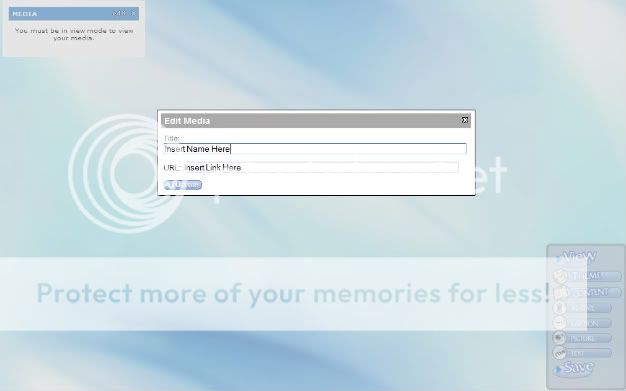
Click the "Edit Profile Layout" button on the top right. Once you do click on "Content" on the right menu bar. A new menu should open up asking what type of content. Click "Media". A new box should appear labeled "Media", click the edit button and under "url" copy the link provided for you. You can also change the title of the box by editing the "Title" box.
