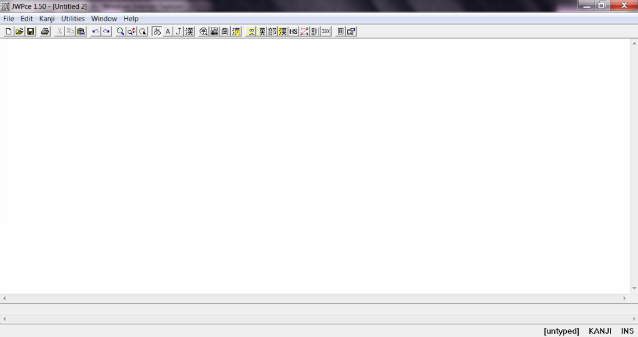


The first thing I’ll show you how to do is enable your IME or Input Method Editor. I’m doing this on Windows 7, so this will look a bit different for some of you on a later version, but this should be about the same for any of you using Windows Vista and XP. For those of you using a later version, you may need to download Microsoft’s Global IME.
Step 1: Find your “Control Pane.” It can usually be located in the Start menu. Once you have popped up your Control Panel, locate the "Clock, Language and Region" section and click on it.
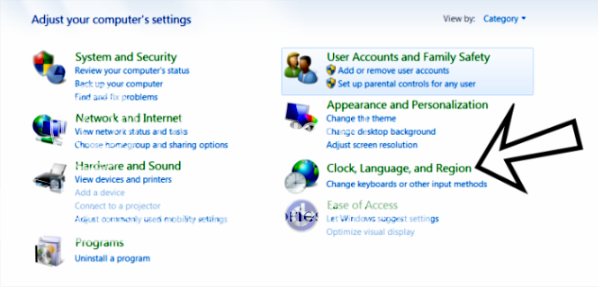
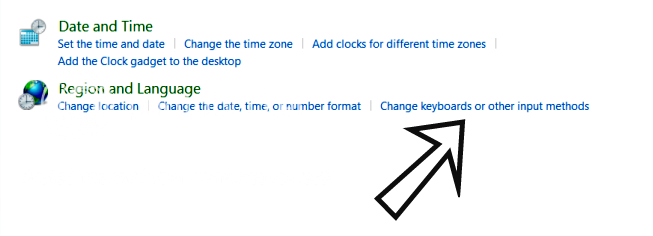
Step 2: After you have clicked on the "Clock, Language and Region" section, find the "Region and Language" on the next screen. Then, click on the "Change keyboard or other input methods."
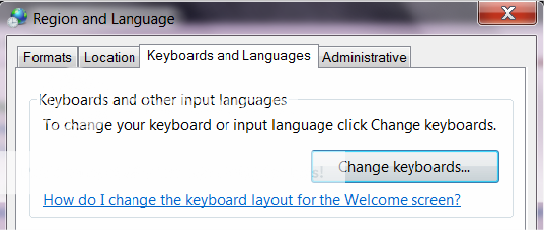
Step 3: This will pop up a new box, and you should make sure that the tab for "Keyboards and Languages" is chosen. Under this tab, click the button that says, "Change Keyboards..."
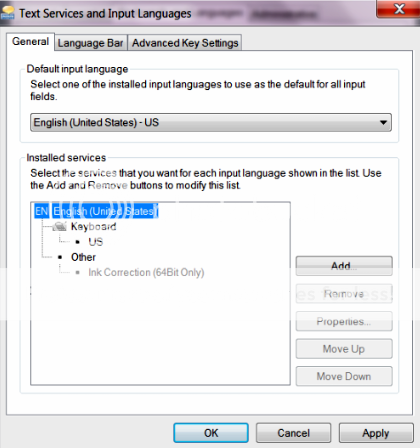
Step 4: This will pop up another box, and click the "Add" button.
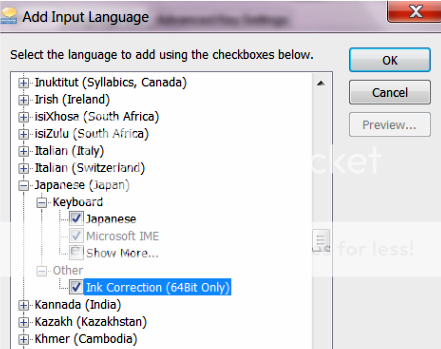
Step 5: Again, another box will pop up with a list of languages. Find Japanese (Japan). Under this, check the boxes for Japanese, Microsoft IME and Ink Correction. Then click "OK".
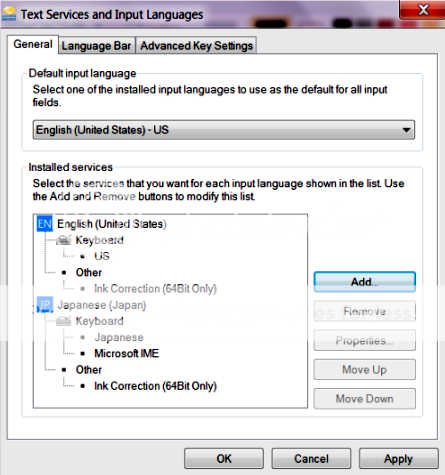
Step 6: This will now bring you back to the previous box, and you should now see the new language. Click "Apply" and "OK" out of everything.
You should notice the new "EN" at the bottom right of your screen on the taskbar.

The EN stands for English. To switch over to Japanese, click on the EN and select JP. Doing this will bring up new icons on your taskbar such an "A" looking symbol, which is the input mode. If you click on this you will notice you can now choose to type in hiragana, katakana, or alphanumeric. You'll have to practice with the program to get the hang of it, but it's not that hard. Using this program, you can also type in kanji.
I'll give you an example. Hito is romaji for person. Using this program, I switch the EN (English) over to JP (Japanese) and select the Hiragana input. When I type hito, it will now look like: ひと. When you use this program, you will see a dotted line under these characters. This means it’s still selected. If you want to leave it like this, press "enter", but if you want to change it, you can press your spacebar to change it, so now ひと becomes 人. When you're ready to switch back over to English, click the JP and select EN.
Again, you'll just have to practice with the program for you to get the hang of it. I’ll leave this post open so if any of you have anything to add or have questions, feel free to post.