Welcome to Gaia! ::

The Visual Novel Developers' and Players' Guild

Back to Guilds

A guild for discussing, testing, writing, and teaming up to create VN games 

Tags: Ren'ai, Visual Novel, Ren'Py, Phoenix Wright, Professor Layton 

Reply Development Center
Want to make a VN? (for free)

Quick Reply

Enter both words below, separated by a space:

Can't read the text? Click here

Submit

SkyeGear
Captain

Liberal Streaker

8,375 Points
  • Person of Interest 200
  • Elocutionist 200
  • Citizen 200
PostPosted: Tue Apr 12, 2011 7:49 am


So, you're enthralled by the idea of creating a Visual Novel, eh? But you're not sure about the time commitment or even where to start? Never fear, Gear is here! (How many times do you think I've used that rhyme since I joined in '04? I lost count...)

If you've ever played a visual novel (and I'll wager you must have if you joined the guild), then you know the basic elements: a branching plot, a few characters, some art, sound effects, music. As long as you know what you want to do, you can do it! This thread will detail how to get started.
PostPosted: Tue Apr 12, 2011 8:00 am


User Image


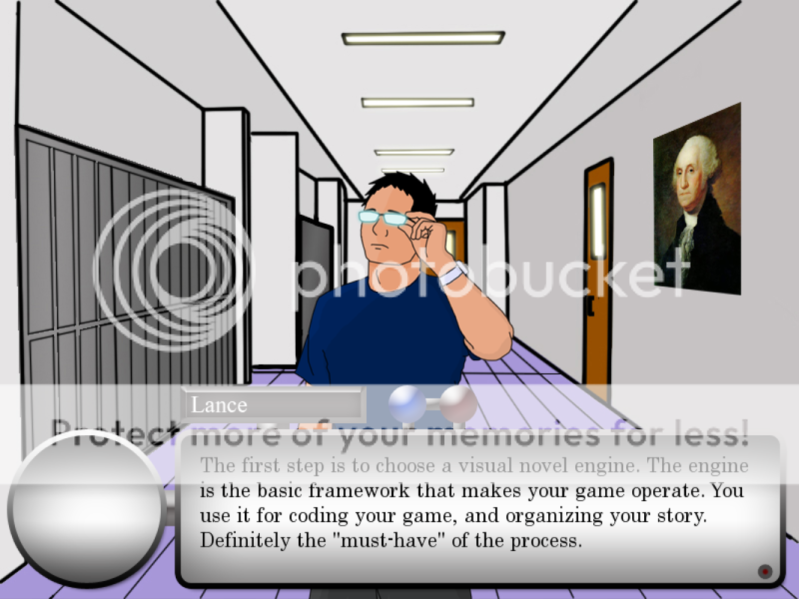
The Visual Novel engine is the first step. Personally? I recommend Ren'Py, the most popular visual novel engine for English speakers. It's easy to use and the programming language is pretty cut-and-dry until you start getting fancy with it. But then you have lots of people you can ask questions to, no?

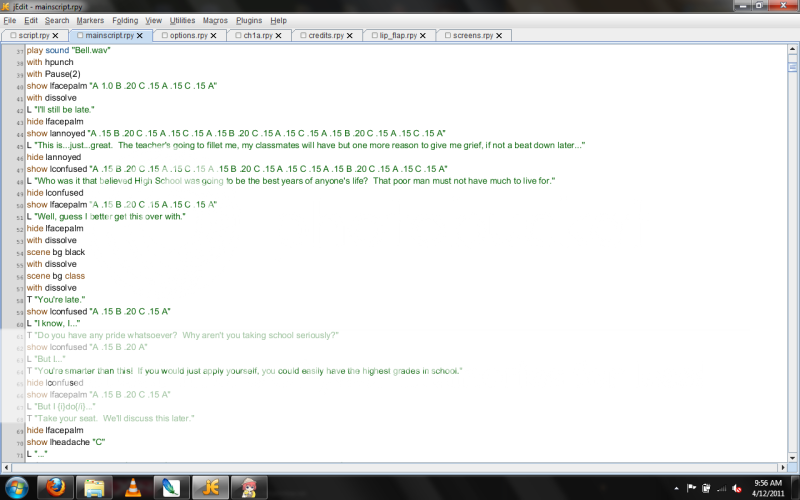
Ren'Py uses a lot of shortcuts that make things easy. Each character in your novel will have a different look and style. All you need to do is pre-program shortcuts into your code, and it reduces the copy paste or typing you have to do. For instance:

User Image


Do you see on the far left side of the screen the green lines that start with "L"? "L" is a shortcut I created for my character "Lance". That way, by typing "L" into my code before a quote, the program inputs this for me:

define L = Character(' ',
color="007FFF",
show_two_window=False,
window_background="lframe.png",
window_xanchor=0.0,
window_xpos=0.0,
window_yanchor=0.0,
window_ypos=0.0,
ctc="ctc1",
ctc_position="fixed",
window_left_padding=200,
window_top_padding=420,
window_right_padding=30)
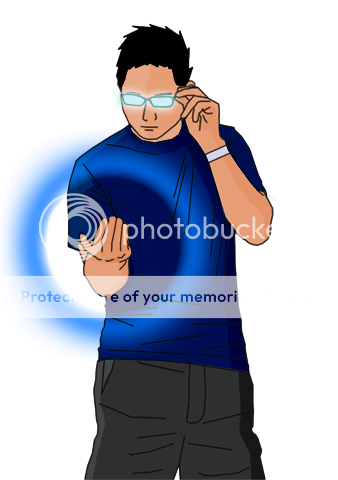

User ImageThis automatically accesses the special text box I created for him, anchors it in the correct location, inputs the click-to-continue indicator (usually an arrow in most games that indicates you can advance the text), and the exact location where the text should sit. Simple! (-ish)

If I knew how to create a video, I would, because the code I have here also animates the sprites. Their mouth flaps (called LipFlap in the coding) when the text advances so it looks like they're talking (you see this in the Ace Attorney series, but it is absent in games like Trauma Center).

Another aspect that makes Ren'Py awesome is the packaging. With a few clicks, the program packages your game for you (after running LINT, an error-checker). Note that LINT is not a substitute for thorough testing, as they will remind you. Once your game is completed and you're ready to release it (or a demo, depending on what you want to do), the packager will automatically create distributions for Windows, Mac OS, and Linux, together or separate depending on your preference, zipped up into a single file and ready for launch. The completed game will not require installation, it will be a stand-alone game that can be accessed.

Ren'Py also supports rollback, text skipping, and other features that are fully customizable. Ren'Py can create games for PC, Mac, Linux, and Android, but the Apple Terms of Service prohibit you from creating a VN on their app store unless you pay them, so Ren'Py does not have a distribution for iPhone, iPod Touch, or iPad.

Ren'Py Web Site: http://www.renpy.org
The Ren'Py framework software is free for download.

SkyeGear
Captain

Liberal Streaker

8,375 Points
  • Person of Interest 200
  • Elocutionist 200
  • Citizen 200

SkyeGear
Captain

Liberal Streaker

8,375 Points
  • Person of Interest 200
  • Elocutionist 200
  • Citizen 200
PostPosted: Tue Apr 12, 2011 8:17 am


The Art


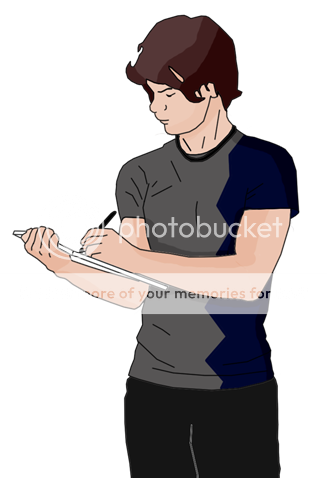
User ImageWhat is a visual novel without art? Well...it's a novel. Visual novels use art to tell the story, and there are two basic types of art:
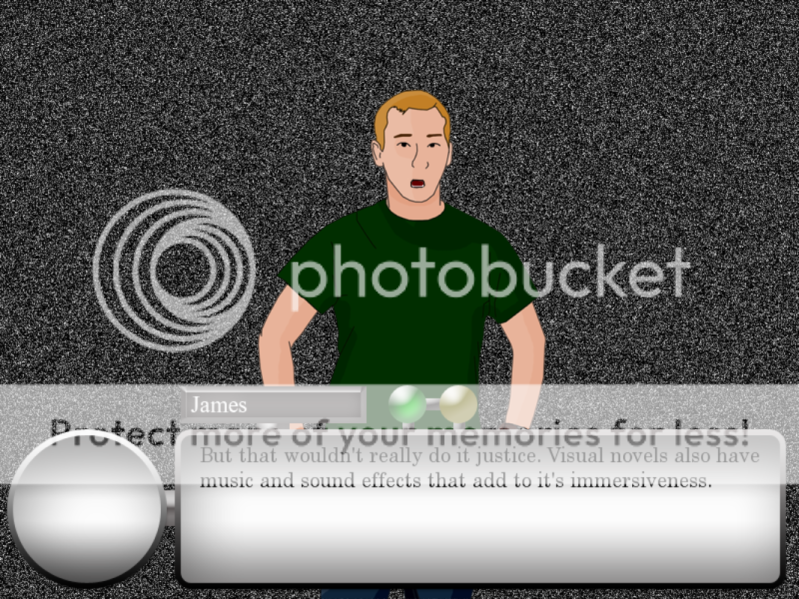
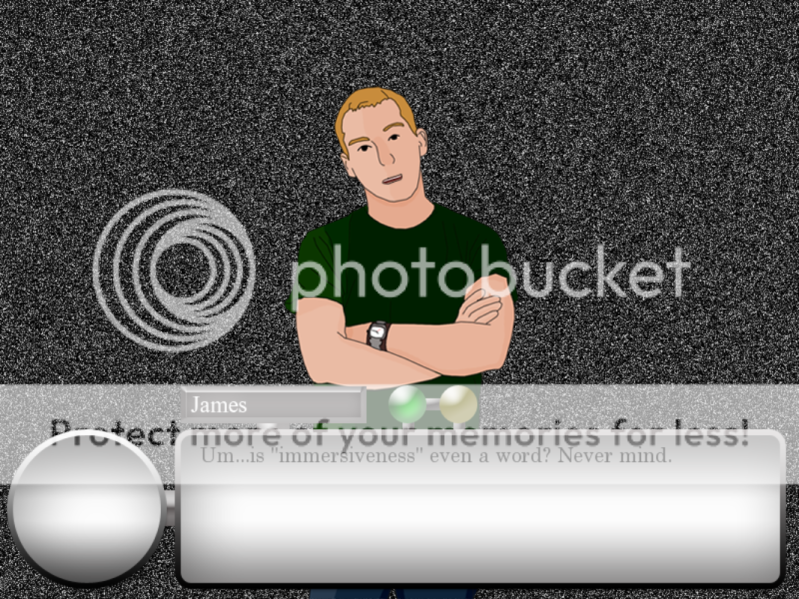
Character Sprites: these are transparent (PNG) image files that have characters in various emotions. These are shown on screen while the character speaks. The transparency comes in around the character so there's not a giant white block around them that blocks out part of the background.

Backgrounds: These are typically JPG files that are the size of the game's resolution. Typically present constantly, and change when the scene does.

I admittedly don't have a lot of resources to help you with the art (I'm not much of an artist myself, and my sprites aren't exactly top-notch), but if you intend to make your own, I will tell you what you MUST have:

A photo editor: Photoshop if you have it, or GIMP, which is basically a free version of Photoshop...except it's not Photoshop. But it has the same functionality.

There are tons of tutorials out there to create different effects, like metal, fire, etc. though most are for Photoshop. Whichever you use, GET USED TO USING LAYERS. Using layers will save you so much time and effort, it's ridiculous.

Additionally, Irfanview is a handy program to have to quickly view pictures without opening a full photo editor. It can also turn pictures you have into icons using its batch converter, so your game has a special icon, rather than using the standard Ren'Py icon.
PostPosted: Tue Apr 12, 2011 8:23 am


SFX and Music


User Image


Check out the resources thread in this sub forum to find places where you can get music and sound effects. These are important for your game.

Another Ren'Py user once told me that sound effects are often taken for granted by creators, but make a huge difference in your game. Make sure you have a library of good, realistic, and well-placed sound effects in your game. The goal is to make the game as immersive as possible, so music and SFX are key to this.

User Image

SkyeGear
Captain

Liberal Streaker

8,375 Points
  • Person of Interest 200
  • Elocutionist 200
  • Citizen 200
Reply
Development Center

 
Manage Your Items
Other Stuff
Get GCash
Offers
Get Items
More Items
Where Everyone Hangs Out
Other Community Areas
Virtual Spaces
Fun Stuff
Gaia's Games
Mini-Games
Play with GCash
Play with Platinum