|
|
|
|
|
|
|
|
|
 Posted: Fri Mar 16, 2007 9:00 pm Posted: Fri Mar 16, 2007 9:00 pm
okay um here is some of my art (hopes its not going to stretch the board.) oh and my da account much more on it, this is some of my favorite stuff http://saphariadragon.deviantart.com/Ball point pen 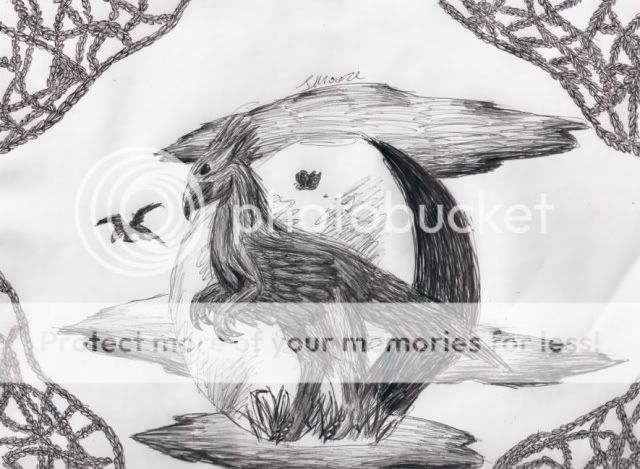 This one took anywhere between two to four hours to do. I am pretty happy with it. 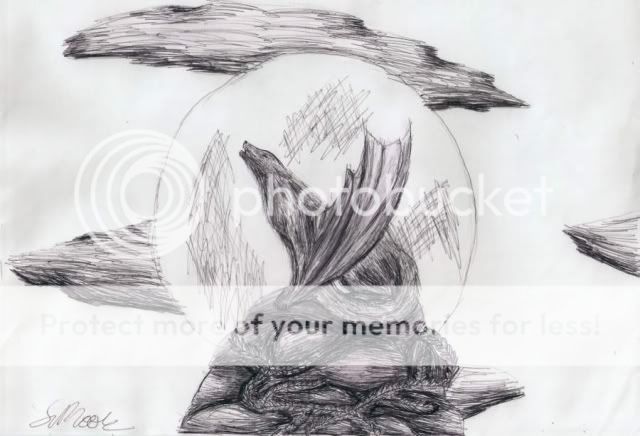 Another ball point pen piece... Graphite. ^^ 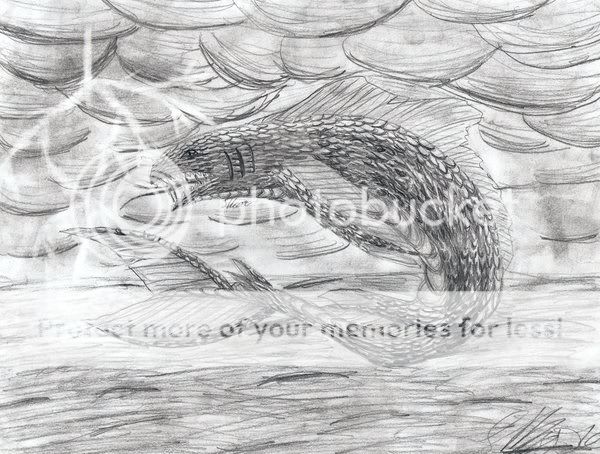 done for a school project 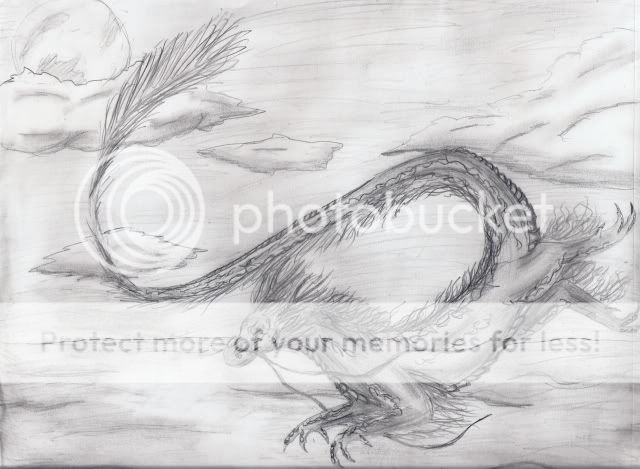 i enjoyed making this Colored^^ 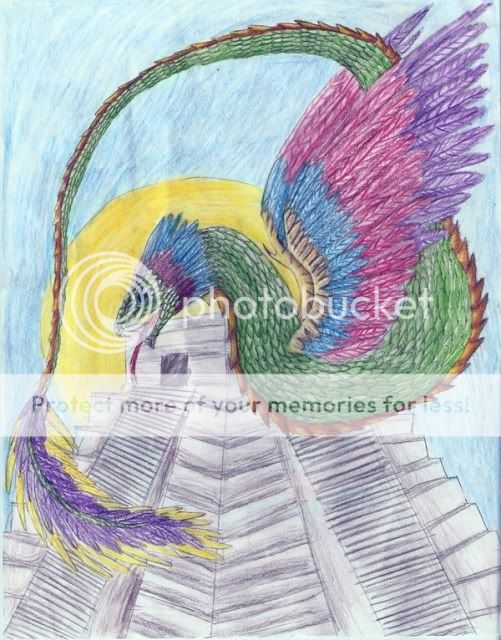 again for school 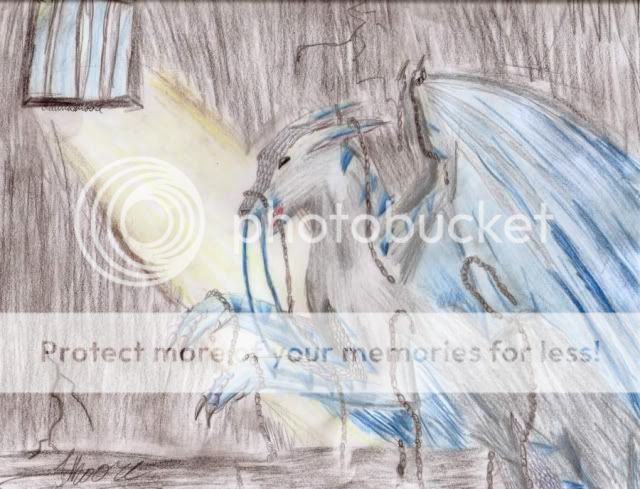 this is my character saph, you'll see a lot of her from me. 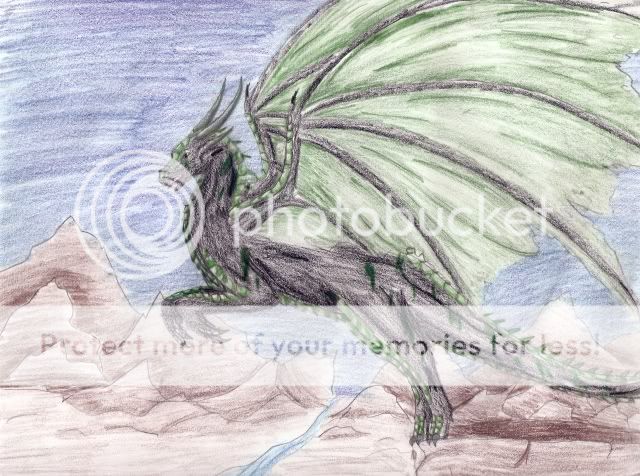 New dragon character 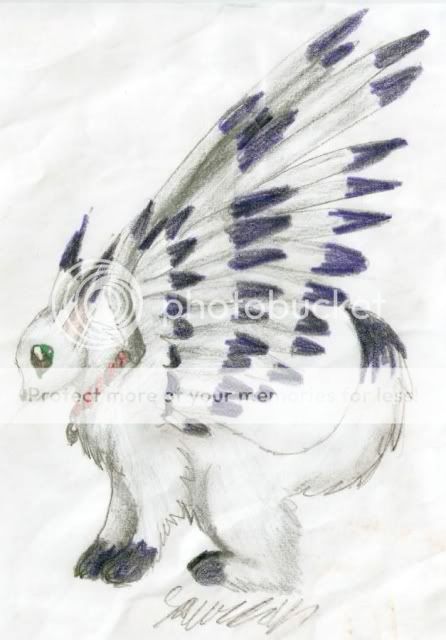 Fear the fuzzy thing Gimp stuff 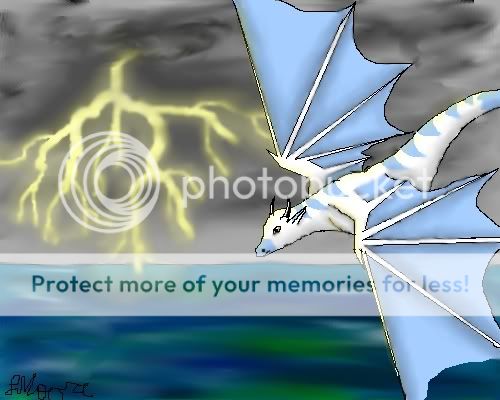 ... 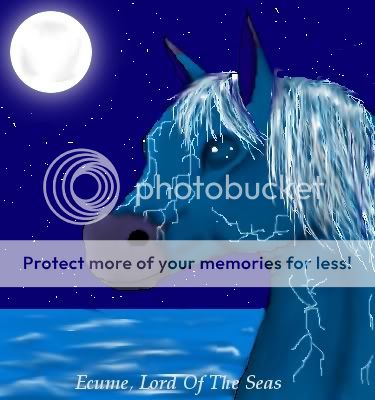 gift art of ox-of-ice on deviantart
|
 |
|
|
|
|
|
|
|
|
|
|
|
|
|
Posted: Mon Mar 26, 2007 2:27 pm
that's really cool! I can't draw animals so I'm always impressed by this kind of stuff. I do like the black and white pictures the most though.
|
|
|
|
|
|
|
|
|
|
|
|
|
|
|
|
|
|
Posted: Thu Mar 29, 2007 1:53 pm
put awesome. There are some areas you need improvement in, but I think you'll judt improve on your own with normal practice. You coloring could be smoother, you seem to be rushing a bit. Your proportions are great. My favorite is the elegant looking dragon done in pencil. smile
|
|
|
|
|
|
|
|
|
|
|
|
|
|
|
Posted: Fri Apr 20, 2007 11:28 pm
awe!! so pretty...me's love them.
|
|
|
|
|
|
|
|
|
|
|
|
|
|
|
|
|
|
Posted: Sun Apr 29, 2007 2:07 pm
wait a minnet... i know you from dA! my user name is dragonnack! i remeber your feathered snake thing! who know i'de meat you here?!!?!
|
|
|
|
|
|
|
|
|
|
|
|
|
|
|
Posted: Tue May 15, 2007 9:14 pm
All very well-drawn, but I feel that you could have brought SO MUCH MORE out of your drawings! You have an obvious talent for creating a picture, creating a motion, and creating an interest and making a picture out of it, but there's one MAJOR MAJOR thing you're missing, and that's depth. You need WAYY more depth in your drawings! So... I'm here to tell you how to acheive it rofl
First off, decide on what kind of light is there, and pick a lighting color. A couple lighting ideas with proper colors:
Sunlight: white and yellow, yellow, yellow and orange, yellow and silver, tan, light blue.
Fluorescent light: white, silver, very light blue, grey
Normal lighting: yellow and/or orange, tan
moonlight: purple, silver, blue, grey
Sunset: orange, red, yellow, silver, purple, brown, tan.
Once you take that, find a base color that matches it, for the shade, or just use black. For example, if you have a tan highlight, use a dark brown base. Annnnyways.
After that, pick your main color. For example, say you have a blue dragon. Pick your usual blue, what you want for the whole dragon. Lightly use that color to shade in the whole dragon, except for where you're going to get it to lighten. Remember to shade lightly.
Then pick out your lighting color and brush up where the light touches it (the dragon) most. After that, pick colors that match your main color, only in lighter and darker shades. I normally get two lighter and two darker.
Take your base color and outline the edges of the dragon that are going to be in total shadow, and then start shading with the dark color. I find the best animal to use as refference to see really HOW MUCH CONTRAST is used in a situation like this is a horse, because of all the muscle differences. Shade out where the shade GOES, and then surround it with an area of light shading. Use your darker tones to blend it into your usual color. You have the shadows.
And then you take the lighter tones and shade to blend in with the light. You can shade over top of the yellow or silver or whatever you picked, just make sure that you keep it consistant.
After that, you take your lighting color and highlight the places that should be highlighted. You'll have a pretty 3D object at this point, and you can play around with the colors to make them work.
A couple hints: you can use completely different colors to shade. For example, you can use brown, purple, black, and yellow to shade for a red object. You can use brown, purple, black, green, and yellow to shade for a blue object.
You can also put sparkles on random scales and stuff after you color x)
Have fun! Good luck, I really like your style!
|
|
|
|
|
|
x.Marsh[mel]low.x Captain
|
|
|
|
|
|
|
|
|
|
|
|
|







![x.Marsh[mel]low.x's avatar](https://a1cdn.gaiaonline.com/dress-up/avatar/ava/26/30/dee94593026_flip.png?t=1428002944_6.00_11)