|
|
|
|
|
|
|
|
|
 Posted: Thu Jul 12, 2007 11:28 pm Posted: Thu Jul 12, 2007 11:28 pm
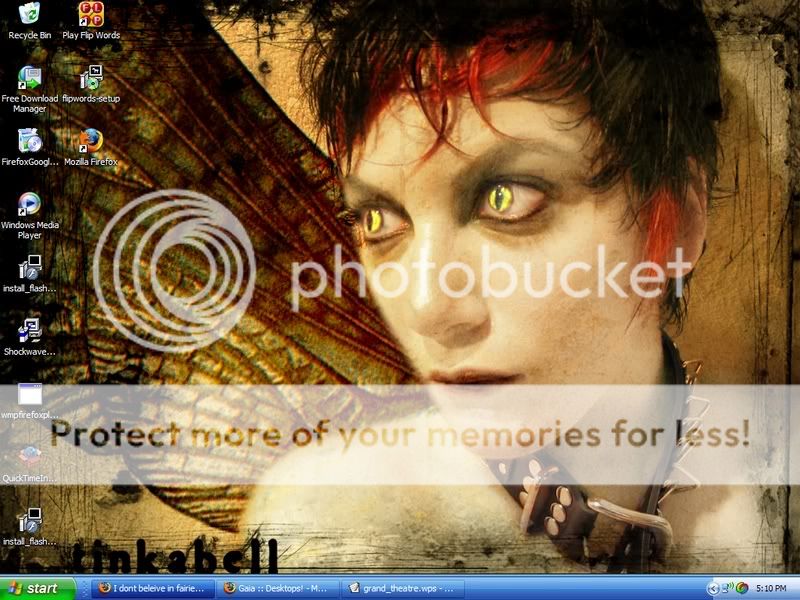
Show off your desktop backgrounds with images that stretch the page to great lengths! (Preferably not, but...). 
|
 |
|
|
|
|
|
|
|
|
|
|
|
|
|
Posted: Fri Jul 13, 2007 4:17 am
|
|
|
|
|
|
|
|
|
|
|
|
|
Posted: Fri Jul 13, 2007 9:14 am
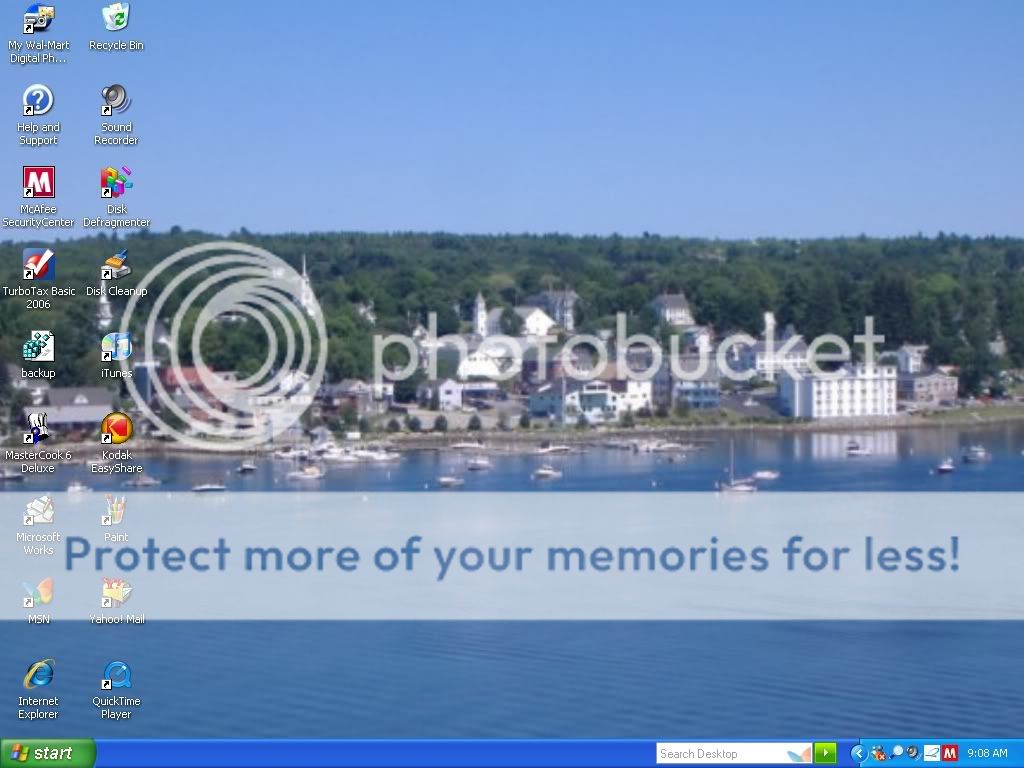
It's not mine, I swear. It's my mom's computer.
|
|
|
|
|
|
|
|
|
|
|
|
|
|
|
Posted: Thu Jul 19, 2007 3:15 pm
|
Tomo Shikura Vice Captain
|
|
|
|
|
|
|
|
|
|
|
|
Posted: Thu Jul 19, 2007 9:12 pm
|
|
|
|
|
|
|
|
|
|
Posted: Thu Jul 19, 2007 9:16 pm
I think 'slightly demented' fits her better ;D
|
|
|
|
|
|
Tomo Shikura Vice Captain
|
|
|
|
|
|
|
|
|
|
|
|
Posted: Thu Jul 19, 2007 9:23 pm
Tomo Shikura I think 'slightly demented' fits her better ;D Slightly? XD
lol. But it's actually a good pic. 3nodding
|
|
|
|
|
|
|
|
|
|
|
|
|
|
|
Posted: Fri Jul 20, 2007 7:17 am
I am too retarded to know how to get a screen shot! TT______TT
|
|
|
|
|
|
|
|
|
|
|
|
|
|
|
|
|
|
Posted: Fri Jul 20, 2007 11:20 am
Find the "Print Screen" button.
|
|
|
|
|
|
|
|
|
|
|
|
|
|
|
Posted: Fri Jul 20, 2007 1:16 pm
It'll be in the top row of buttons with F1, F2, F3 etc. It'll be at the end of the row. After you've hit that button go to paint and press Ctrl+V or paste. Poof! There's your screen shot. =]
|
|
|
|
|
|
|
|
|
|
|
|
|
|
|
|
|
|
Posted: Sat Jul 21, 2007 2:17 pm
I love taking screenshots blaugh .
|
|
|
|
|
|
|
|
|
|
|
|
|
|
|
Posted: Sun Jul 22, 2007 1:04 pm
okay now that you told us how to take a screenshot, how do you post it online? wink
|
|
|
|
|
|
|
|
|
|
|
|
|
|
|
|
|
|
Posted: Sun Jul 22, 2007 2:00 pm
Take it into something like MS Paint, save it, go to an image-hosting site, and you should be able to figure it out from there xd .
|
|
|
|
|
|
|
|
|
|
|
|
|
|
|
Posted: Sun Jul 22, 2007 2:04 pm
yeah i know,i Just wanted you to explain it so i could waste your time. xd
|
|
|
|
|
|
|
|
|
|
|
|
|
|
|
|
|
|
Posted: Sun Jul 22, 2007 2:13 pm
|
|
|
|
|
|
|
|
|
|
|
|
|





 Reply
Reply